
Setup
Getting Started
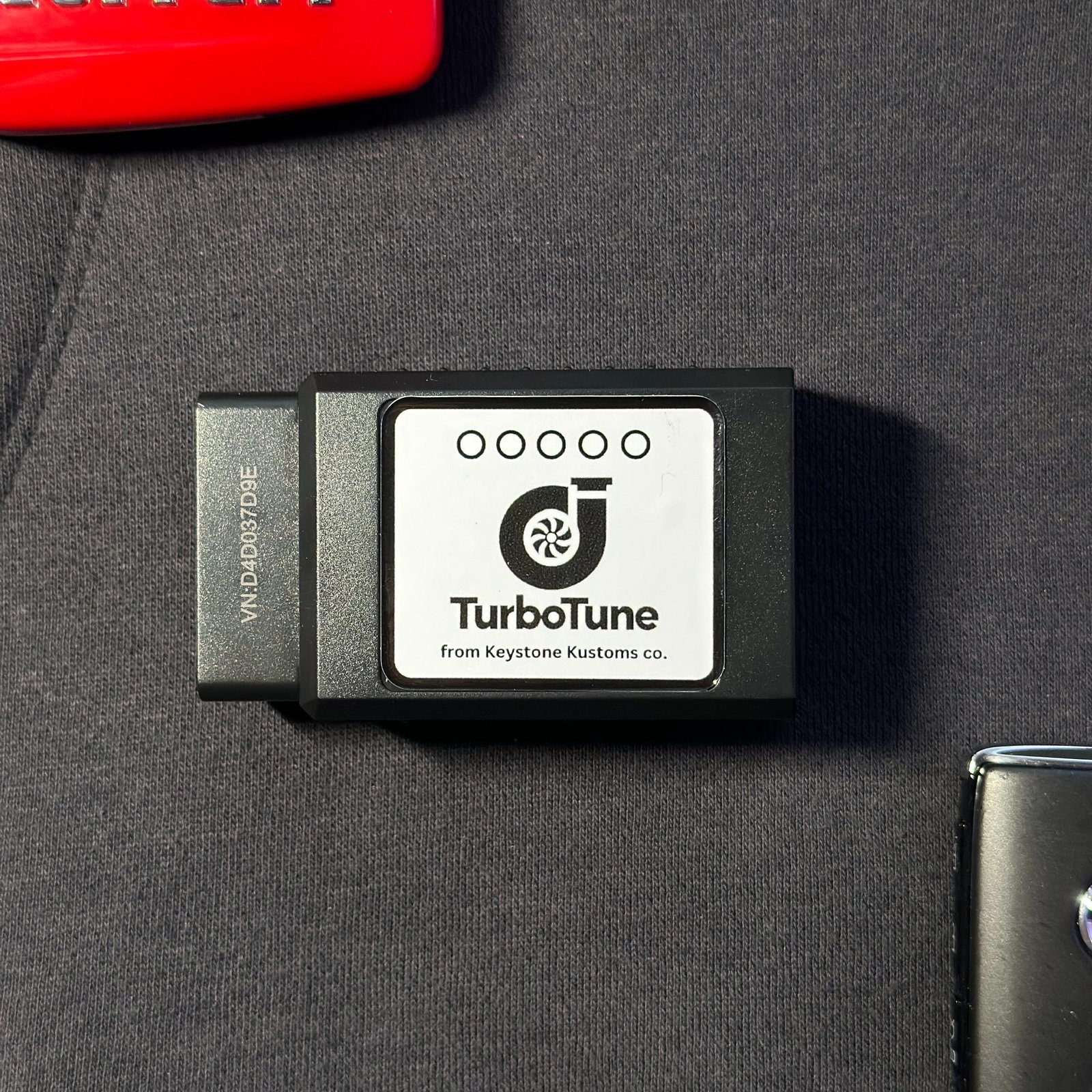
- Plug the TurboTune device into your vehicle's OBD2 port.
- Turn your vehicle ignition to the ON position.
- Open the TurboTune app.
- Tap Start TurboTune.
- Connect to the device via Bluetooth, typically labeled "OBDII".
- Once connected, the app will begin reading RPM data and enabling engine sound.